

Summary
Banner
- New parameter in queues and voice campaigns to inform an agent they are supervised: during a call, if the automatic Supervision is set, the “record” button will flash.

- Very high limits are now implemented as safeguards for: tasks, invoices, cases, evaluations, conversations (duo and groups). As with the other limits, requests for increases can be made.
- Departitioning for super-admins.
- Reporter and Maker: the role is ignored for super-admin managers.
- Banner: the profile is kept (so access to certain modules) but the user manages all the teams (quality management, supervision, interaction history, cases, colleagues).
Maker
- New ‘Campaign groups’ feature for voice campaigns. Once your campaigns are added, they can be prioritized among themselves.

- New ‘Expiration tab’ in the client account settings: if you delete something in INO cx (queue, user, smart routing, etc.), it will appear on this page after 24h.
- New ‘Data retention’ tab in the client account settings: here, you can set up a maximum retention period of your data for certain features (voicemails, IVR recorder, records in queues and voice campaigns). At the end of the retention period, the data are automatically deleted. You can define specific periods according to your needs for each entity (e.g.: for each IVR recorder).

- New ‘Video call’ option available for voice campaigns
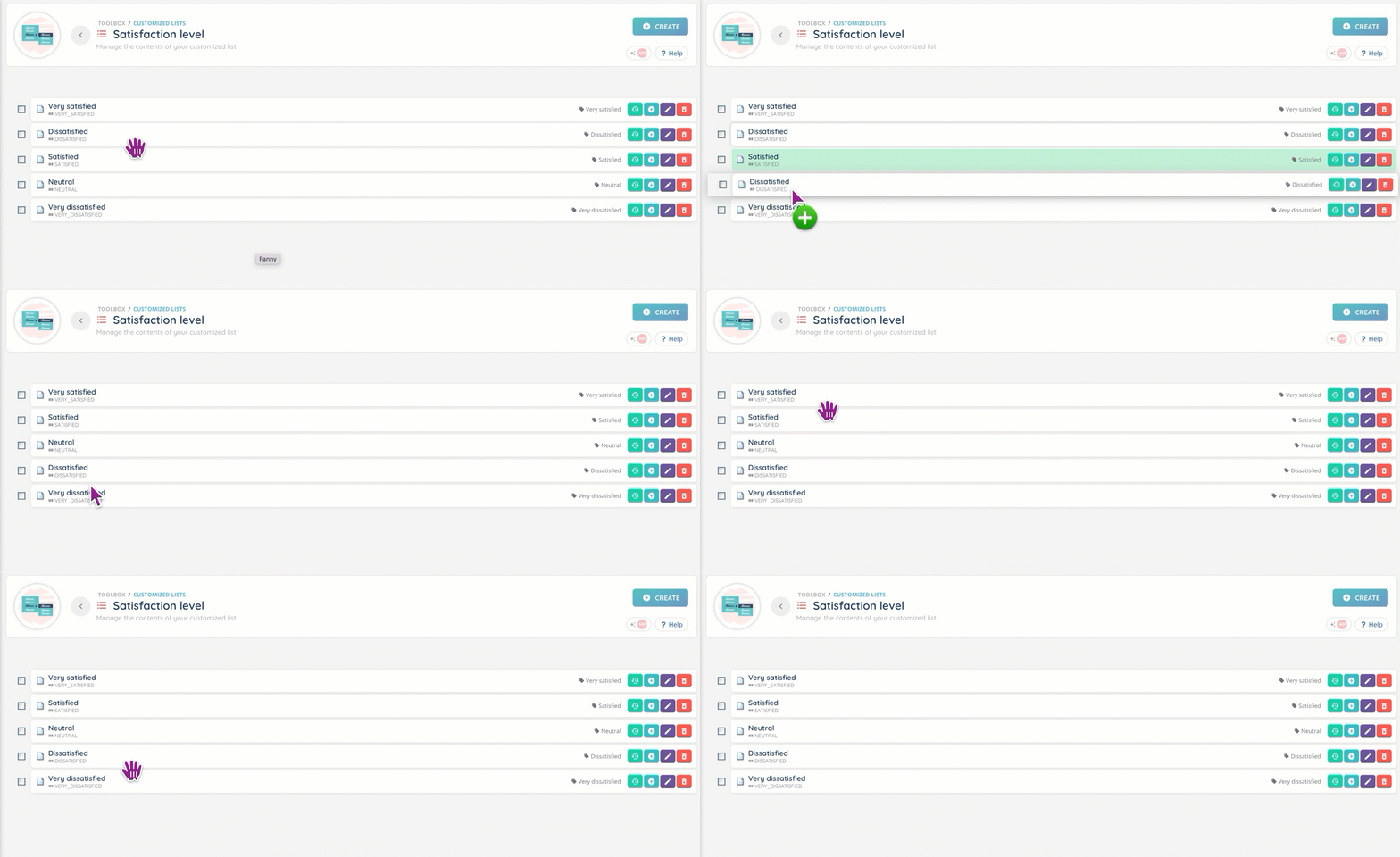
- The folders’ and items display inside customized lists can be reorganized.
- New ‘Modify a database entry’ action for smart routings. Once the conditions are defined, values can be edited (1st or all found lines).
Reporter
- New ‘User teams’ filter for the ‘Interactions’ and ‘Distributions’ data sources.
- Multi flow: distributions, interactions
- Email flow: incoming/outgoing email distributions, incoming/outgoing emails
- Messaging flow: incoming/outgoing message distributions, messages
- Voice flow: incoming/outgoing call distributions, incoming/outgoing calls
- Agents: activities, users’ interactions, user’s interaction presentation.
- Changes to the INO cx campaigns data source.
- Call campaign attempts: new ‘visio wait time’ and ‘visio duration’ columns.

- Call campaign attempts: new ‘visio wait time’ and ‘visio duration’ columns.
Additional changes
UX
- If your Banner is in pop-up mode, a call triggering a lifting of a CRM card will make it appear in full page mode. Once the call ends, the Banner will return to its original dimensions.
- Smart routings: more available data for test versions (entry points: which number(s) was used, for example).
- Payment modules: the brand logo on the payment page is now bigger.
- A maximum of 10 tabs can be opened at the same time (Banner, Maker, Reporter), 5 for the Supervision tab.
Banner
- ‘My statistics today’ now includes outgoing interactions data.
- If there is only one agent connected and he misses a call, it will be presented again to him or the 1st available agent. The max number of presentations is defined in the profile.
Maker
- New filters for queues: direction and channel.

- New event for workflows: edit a case.
- For Salesforces CRM: a new ‘activity date’ field is available in call logs.
- Multiple entities can now be added simultaneously to transfer rules (queues, distribution groups, users, smart routings).
- References can now include the ‘@’ character.
- For URL-type customized buttons, the URL format won’t be verified if it includes at least one variable.
- New ‘PATCH’ method for HTTP requests in webservices.
- New ‘ownerparticipantId’ variable in magical inputs.
- When a smart routing in development mode is deleted, the user is informed if an entry point (phone number, email, etc.) was linked to it.
Reporter
- New option for exports: you can now choose , or . for decimals.

- Changes to data sources columns.
- Voice flow: new columns ‘ringing time’ for incoming/outgoing calls, incoming/outgoing call distributions.
- Multi flow: new column ‘ringing time’ for interactions and distributions.
And some bug fixes!
New & revised help center articles
New articles:
- Qualification questionnaires – Set them up
- Platform – Set it up
- Transfer rules – Set them up
- Limits – Client account settings
Revised articles: