

[Reading time: 2 minutes]
Overview
If you’re new to INO, we recommend you first read the article ‘Banner, Maker, Reporter: an overview‘.
You may also consult the articles ‘Maker: an overview’ and ‘Banner: an overview‘.

What, why, who, where ?
The Reporter is the 3rd INO application, and is dedicated to statistics and analysis.
Here you can exploit your data, export them or schedule reports. You will also be able to see the details of a Smart Routing route: which branches were the most used, the percentage related to each action, and many other things.
User capsule

The user capsule on the Reporter is simplified. It contains:
- The user’s initials by default (or an avatar if they change it), then first name and last name.
- My account: configuration of INO cx user account.
- Direct link to the “Maker”.
- Disconnect. Note: you will be automatically logged out of all other applications if you log out of the Reporter.
Data sources, explorations, dashboards & explorers
These three modules work together, like a funnel: the data source is the base from which you create an exploration (and KPIs), and then you bundle the KPIs into dashboards.
Data sources
Data sources refer to raw data collected from various interactions or sources. This data is then used to perform analyses and generate reports in the Reporter.

They are two types: present by default (incoming/outgoing calls, for example) and customized (the databases you create).
Explorations
Explorations allow you to create KPIs and scheduled reports from a data source: this is the raw data that has been customized. You can then choose to give full access to other users, in read-only mode or as a co-owner.

Dashboards
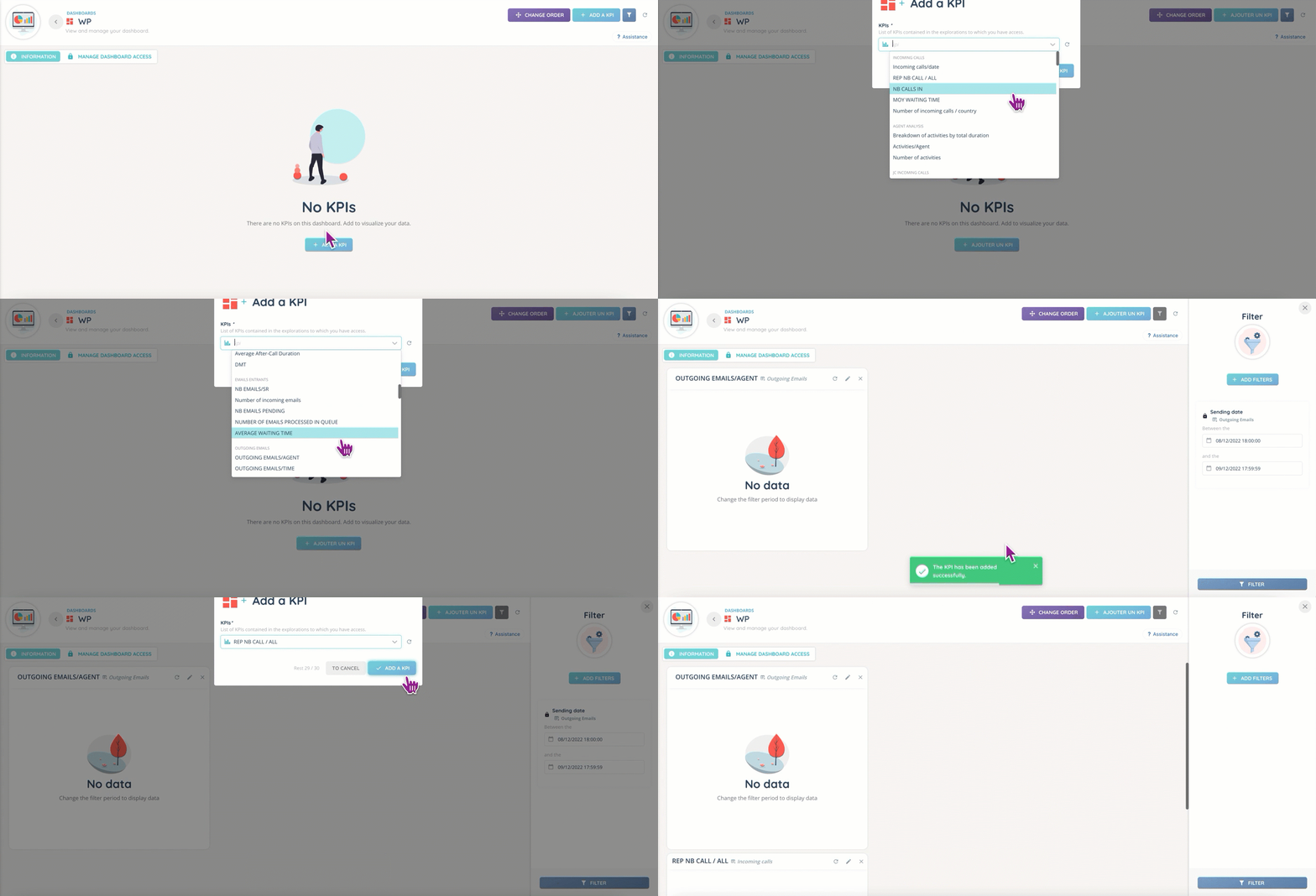
Dashboards allow you to bring together the different KPIs you have created, regardless of the exploration they depend on.
Explorers
Explorers allow you to display your smart routings statistics.

Exports
The exports are generated from the data sources, and are then available in the dedicated tab. You can download them in .CSV format.

Scheduled reports
Scheduled reports allow you to have a certain type of data (calls, distribution, agent activities, etc.) sent frequently in a .CSV file format. You can decide to have a monthly, weekly, daily, or even hourly report!