
Summary
Banner
- New feature: Scripts. Available for calls and messaging. They guide the advisor through the interaction, and can then be retrieved in the “Quality Management” module, where you”ll be able to see the provided answers. You can also use them for your campaigns; if multiple scripts are linked to a campaign, you can assign a load to each one to define their order of priority.
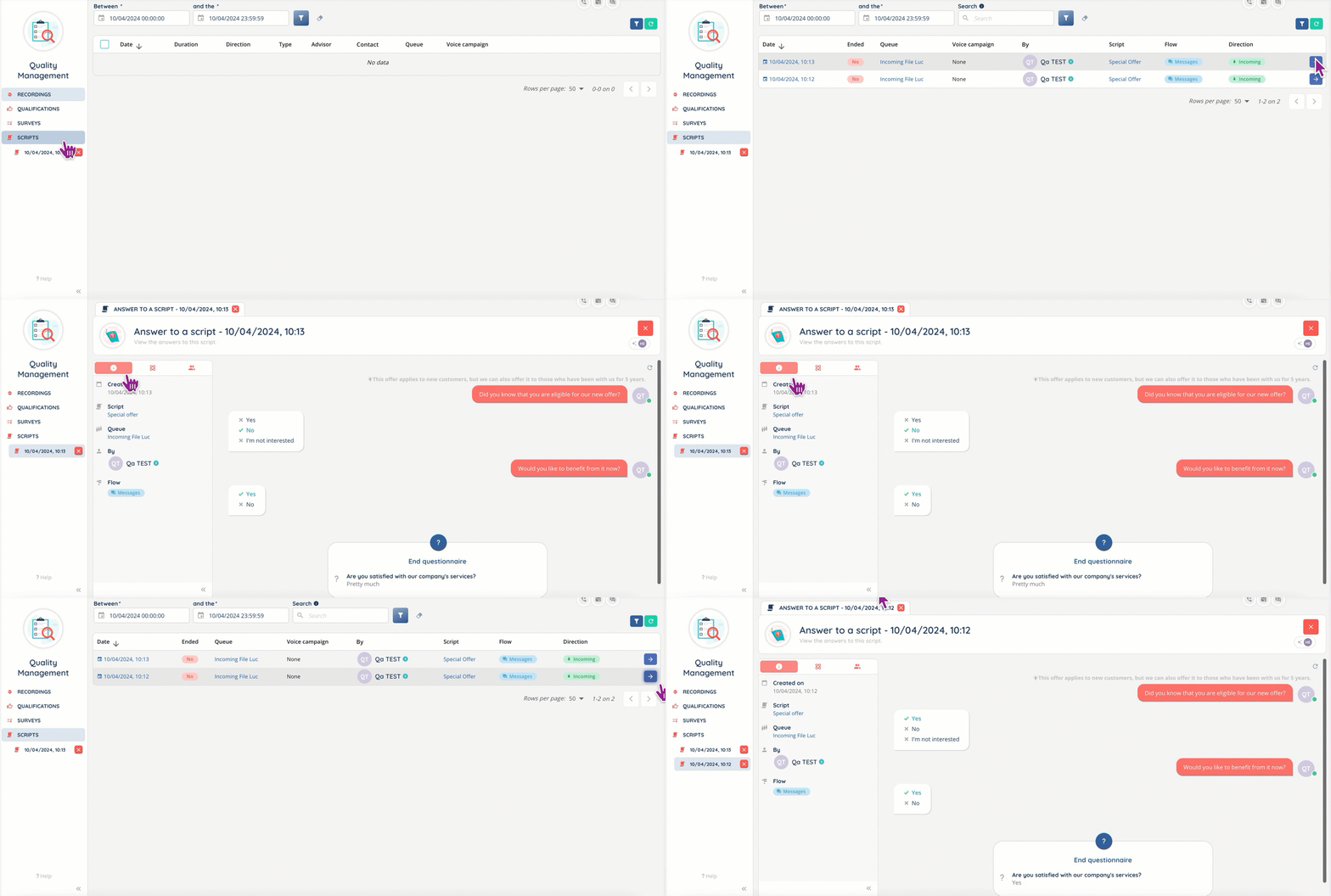
- New default display for Smart voice interactions: if a script is linked to the queue, it will be displayed first when the interaction begins. If there is none, but a CRM sheet has been retrieved, it will be displayed first. If neither is present, the view will be the default.
Maker
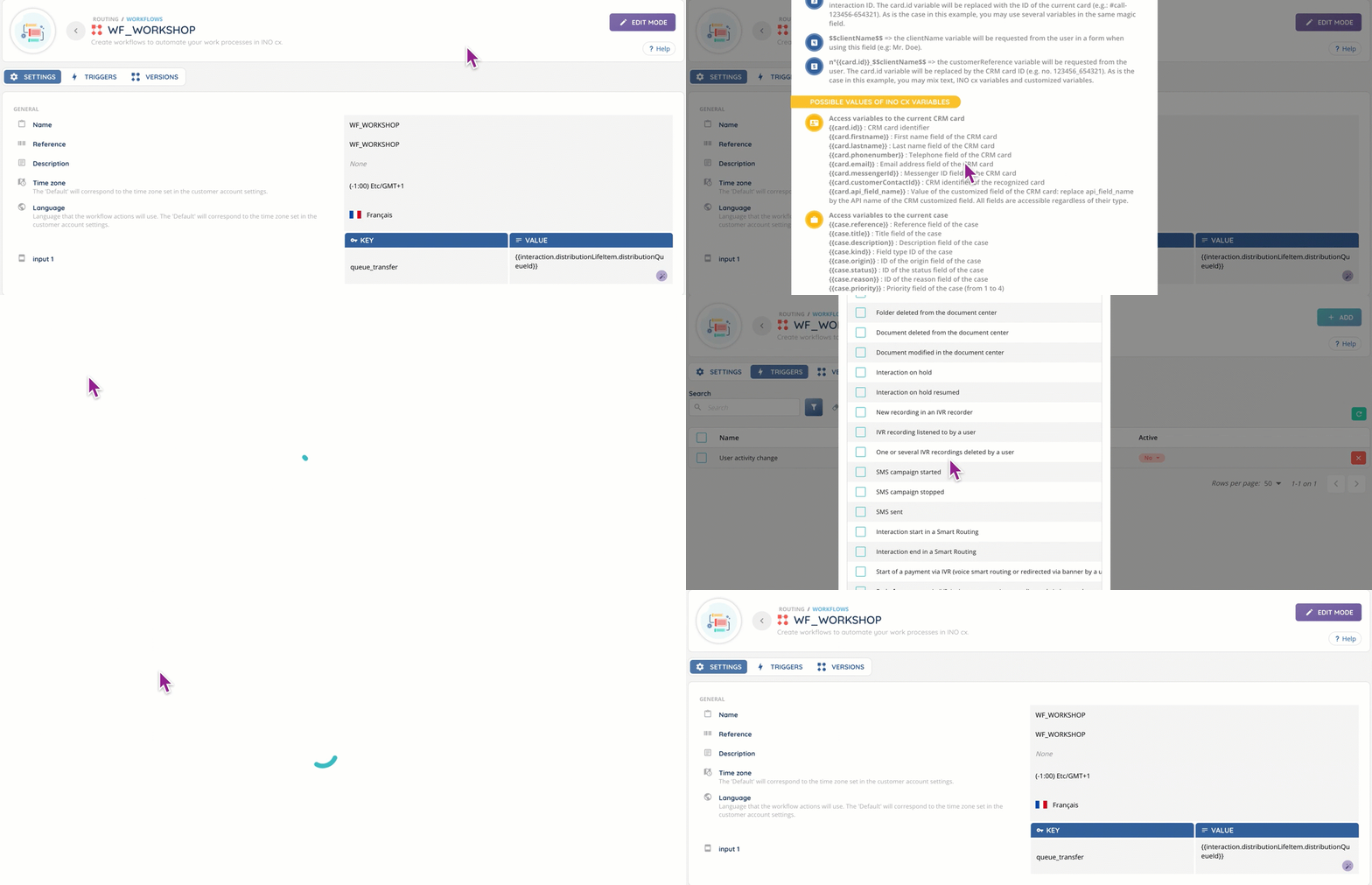
- New “Workflow” feature. Once you’ve created a workflow with its various actions you can assign one or more trigger rules to it (for example, when a user accepts an interaction). The events are the same as for webhooks, and a test mode is available. Workflow triggers can also be assigned to custom buttons.
- Data export is now available for CRMs.
- New CRM connector: Zendesk Support. Just like the Salesforce connector, it can be used with SSO and opens the Banner directly in Zendesk, make click-to-calls or consult activity logs.
Additional changes
Banner
- Now all Smart interactions in the active profile’s queues are available in the interaction history module: treated (like before) but also dismissed, abandoned, missed, etc. for your active profile.
- New “Status” column in the interaction history, with informative tooltip for deterrence and untreated interactions.
- New display in the “My statistics today” mini screen tab, to account for productive and non-productive downtime.
- New Phone book button for predialing the email address has been added, as well as a drop-down if multiple phone numbers or email addresses are associated with the same file.

Maker
- New “Empty campaign” button: deletes all targets (but not the history).
- New “National trunk” option in customer account settings, to manage custom trunks and format numbers to the correct format if required (for incoming and outgoing numbers).
- New interface for imports, with time zone tweaks for campaigns. There is no need to download a .CSV template file anymore, and campaign targets data can now be imported.
- New “Stereo” option for recordings (queues and voice campaigns). It can be set up in the “Treatment” section for both.
- New “Public link” parameter for recordings in queues, voice campaigns, voice mailboxes and IVR recorders. New API routes and updated webhook events are available to access the registration without opening the Banner.
- Qualification questionnaires can be set to mandatory in voice campaigns.

- Custom buttons can now have multiple locations and automatic triggers.
Reporter
- New custom data source for all your scripts.
And some bug fixes.