Overview
A webhook is data that is sent to you when someone performs an action on INO: log in, change activity, decline a call, etc. These are detailed and precise logs that you choose to receive.
In this article we will see how to activate webhooks and configure them.
Acces & activation
Access to webhooks is given or removed in the role.

If the right is granted, the webhooks will be accessible from the Maker, via the link “Customer account settings”, which appears with the user capsule drop-down (top right of the screen).

The webhooks interface consists of three tabs: settings, documentation and wehbooks rights. In the rights tab, you can enable/disable webhooks, and choose to use authentication or not.
The test button allows you to verify that the connection is working as intended.

Documentation
This tab explains in detail all possible settings for webhooks, with possible value scales and examples.
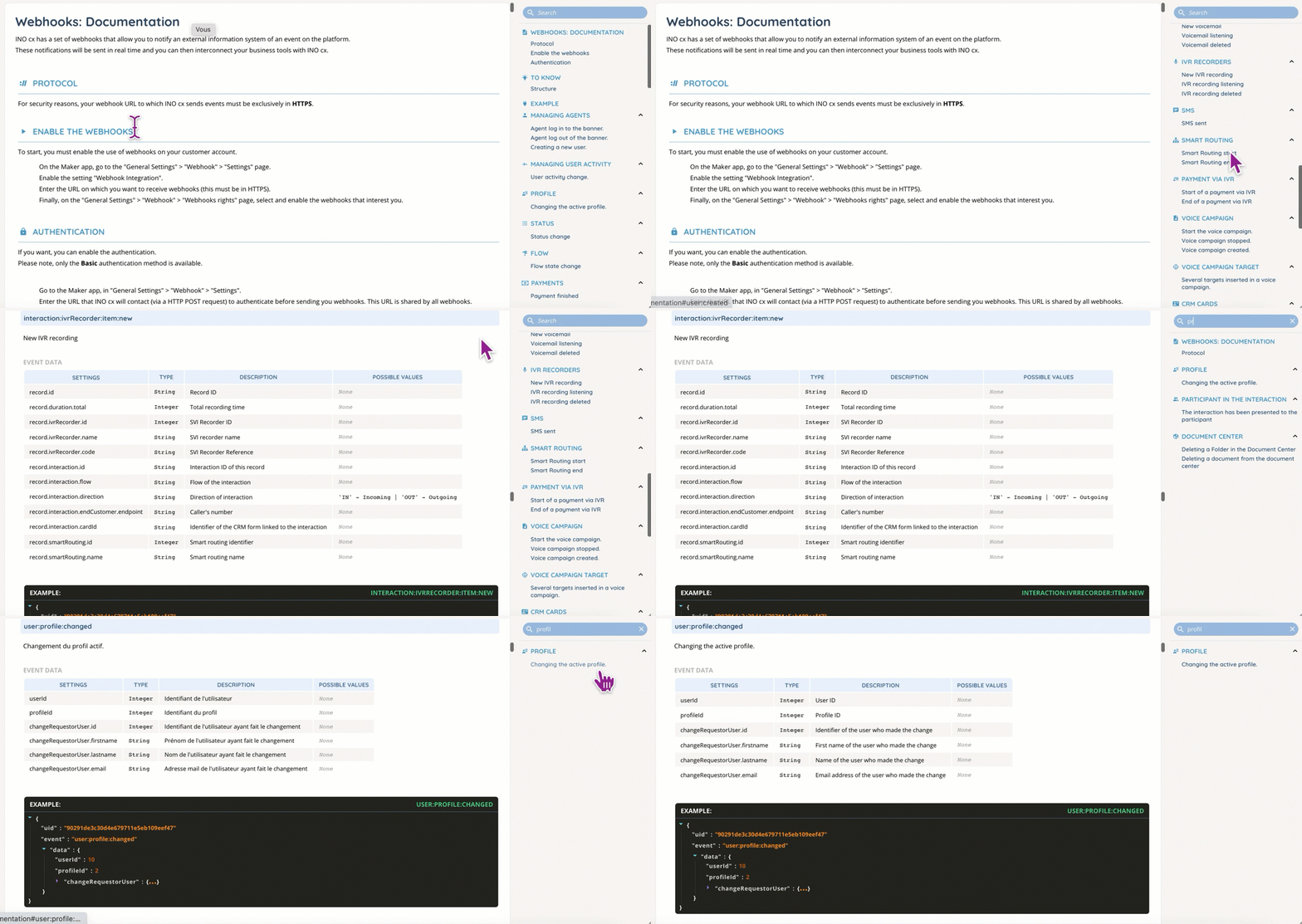
The right panel can be used to quickly reach a specific section, with mouse scroll or search.
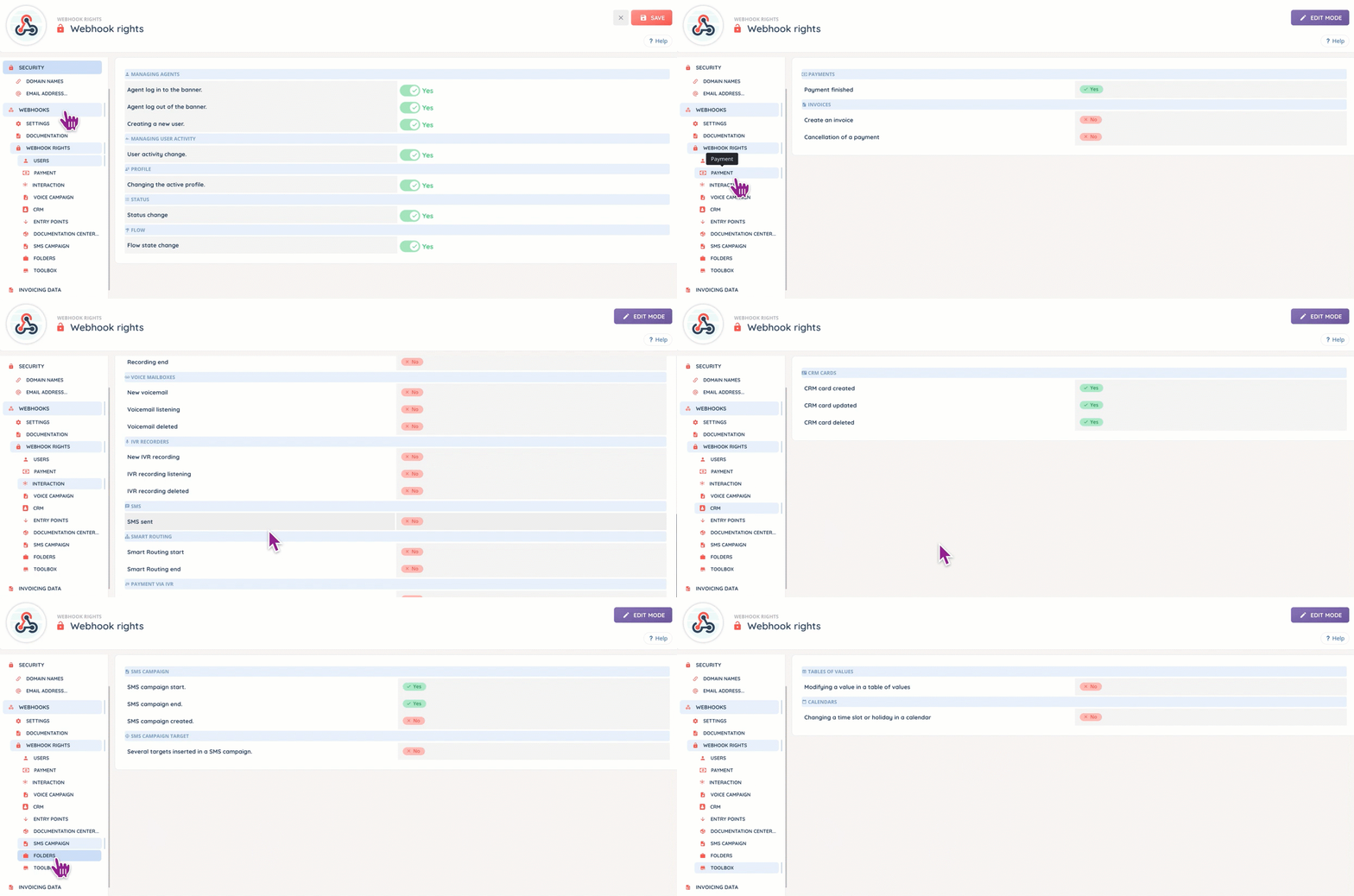
Webhook rights
This section will allow you to determine what data you wish to receive. It works in a similar way to a filter.