
Overview
The supervision items group in a single tab the records, assessments and qualifications, so that you can access them quickly in the Banner.
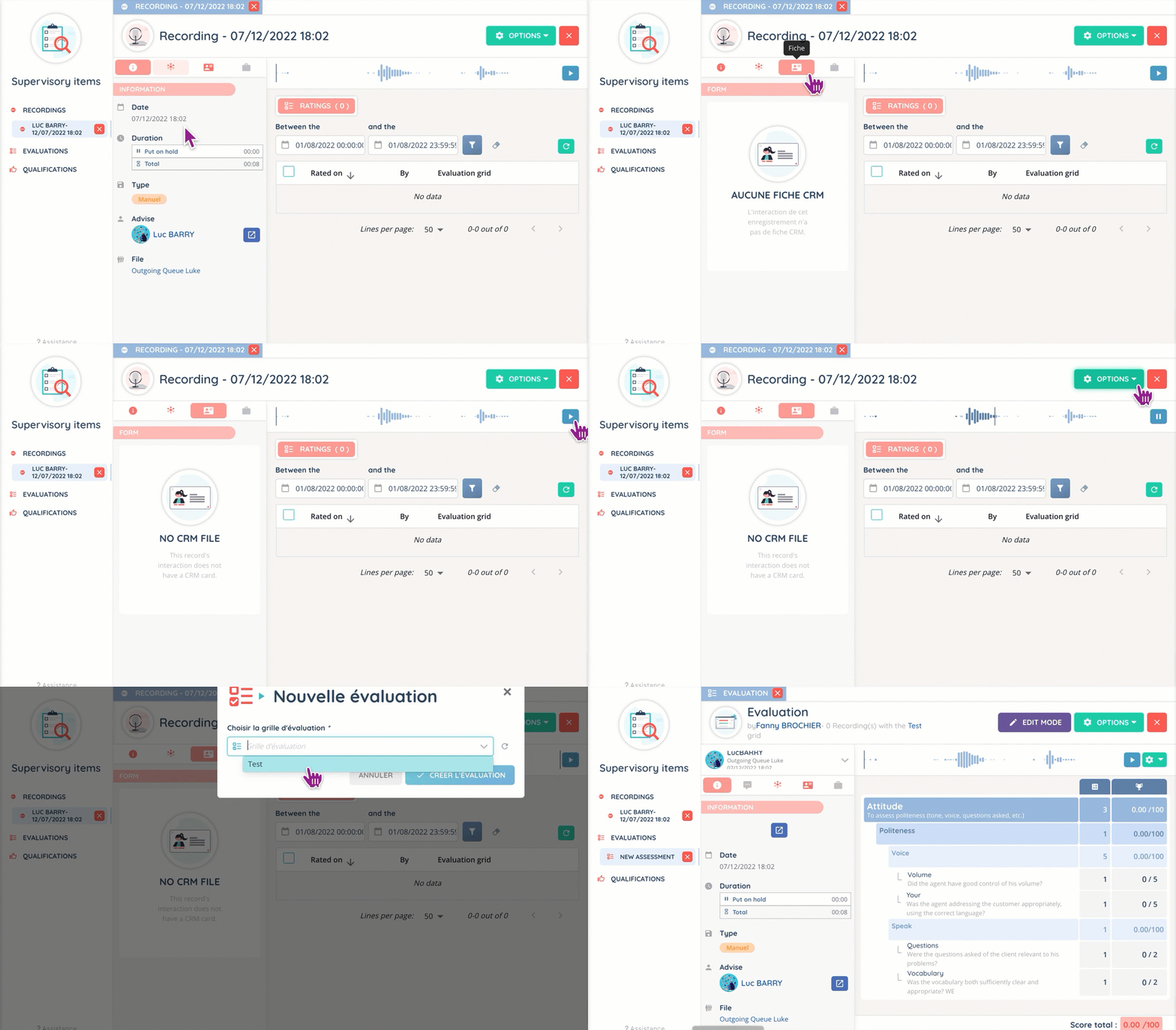
For each of the three items, several tabs can be opened concurrently.

Recordings
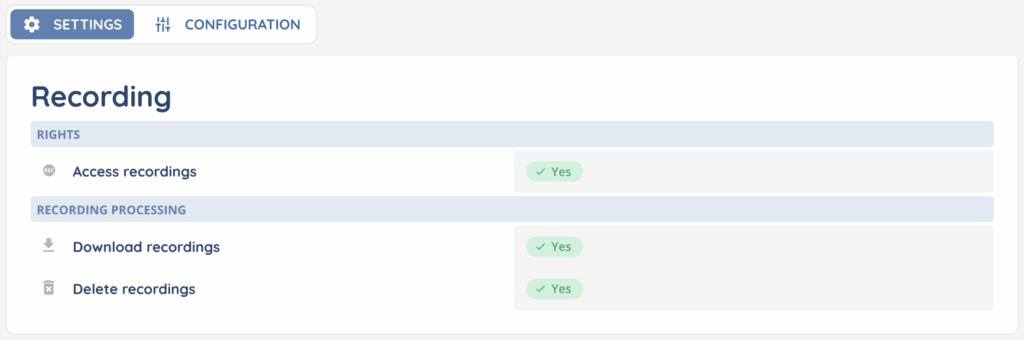
Each right related to recordings (access, download, delete) can be configured in the profile.
Once the date range has been selected, all records can be viewed and (if rights permit) subsequently evaluated, either from the history or from a particular record.

Just like an interaction, records can be linked to a CRM record or a case.
Tabs
When you open a record, you will have a bar with tabs on the left, which works in the same way as the interaction bar.

Here are the different elements:
- Information: where the interaction’s details are displayed. For example, the date and time, the duration of a call (with waiting time), the type of recording, the agent (and a button to access the interaction history), and the queue.
- Interaction: with the interaction’s details and a link to the full history page.
- CRM: if a record has been linked to the interaction, the fields will appear here.
- Case: same as for the CRM.
Evaluations
Like the records, each right related to the assessments is set in the profile.

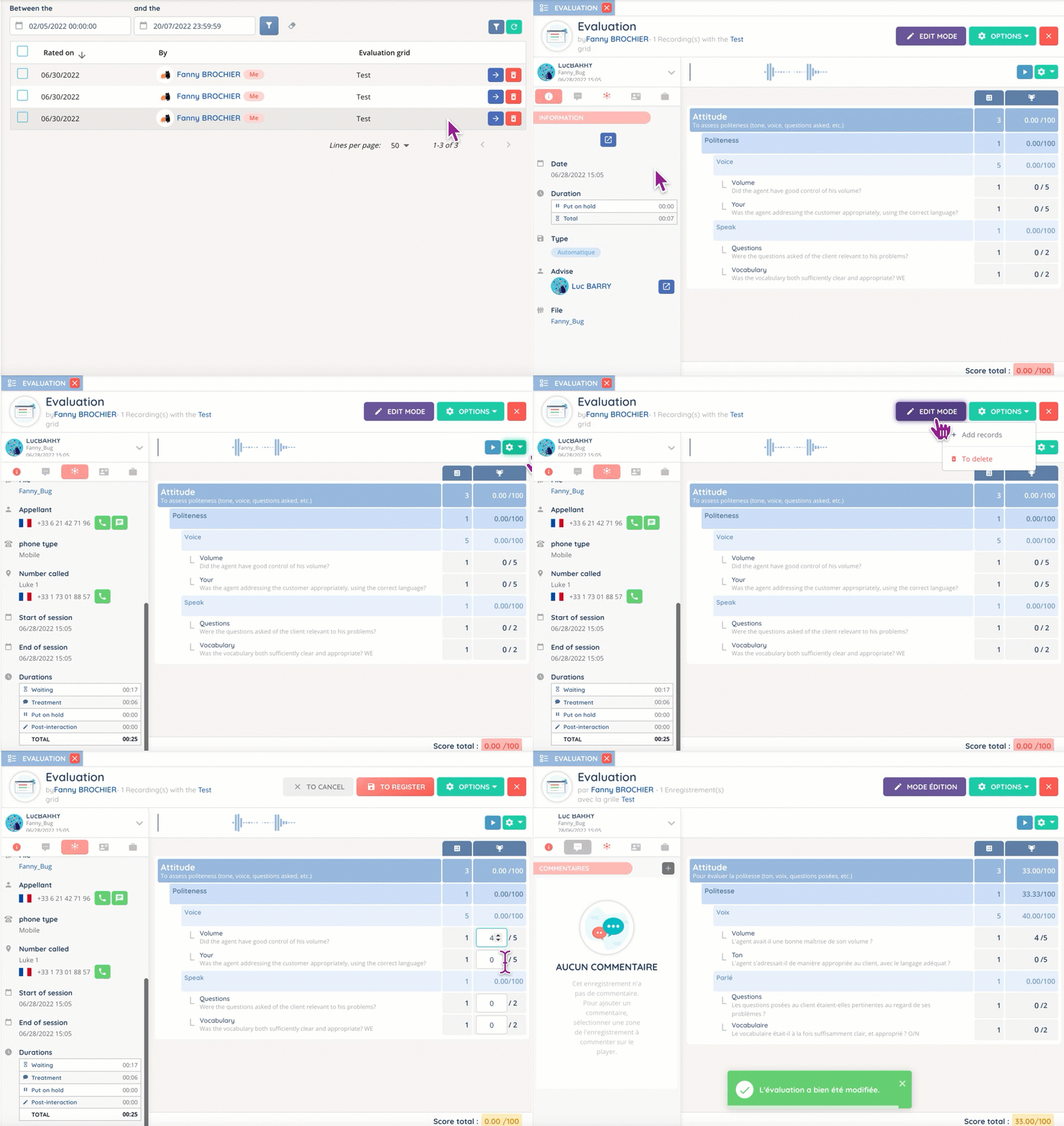
It is possible to rate one or more recordings at a time, as well as to leave a comment for a specific part of the record. The assessment grid(s) must be added to the profile in order to be used.

Qualifications
Again, the right to access qualifications is in the profile.

Opening a qualification allows you to get the details (interaction, questions asked, etc.) and to link a CRM sheet and/or a case.
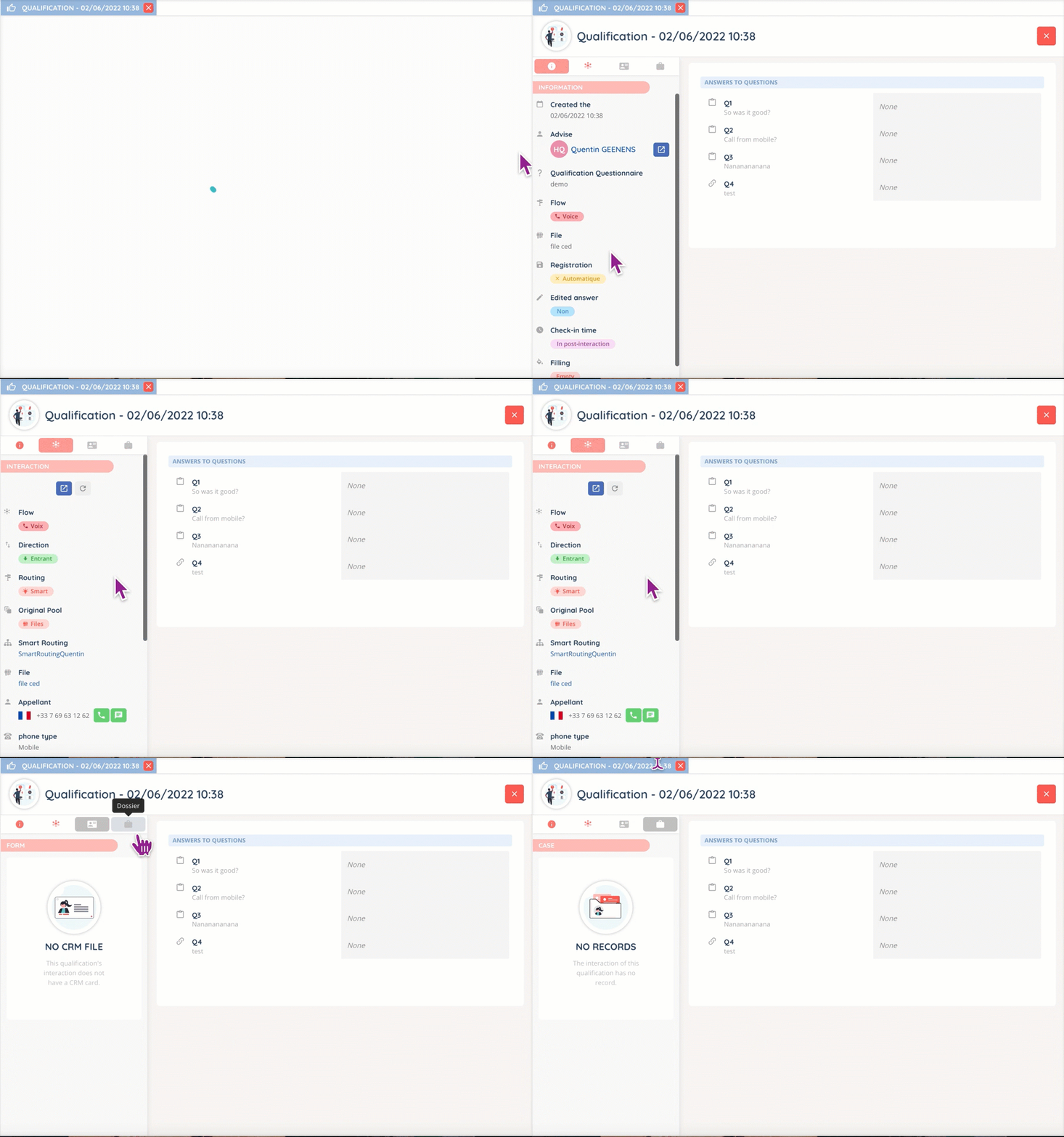
The qualifications themselves cannot be changed, only consulted.