
What are we talking about?
Banner: your main location for interactions (campaigns, calls, messagings, etc.). It’s the most used feature.
Maker: the back-office, where you can create and set up smart routings, users, calendars, etc. Access to each module can be administered according to the needs of the agents.
Reporter: data and statistics to monitor and consolidate your business in real time.
Banner
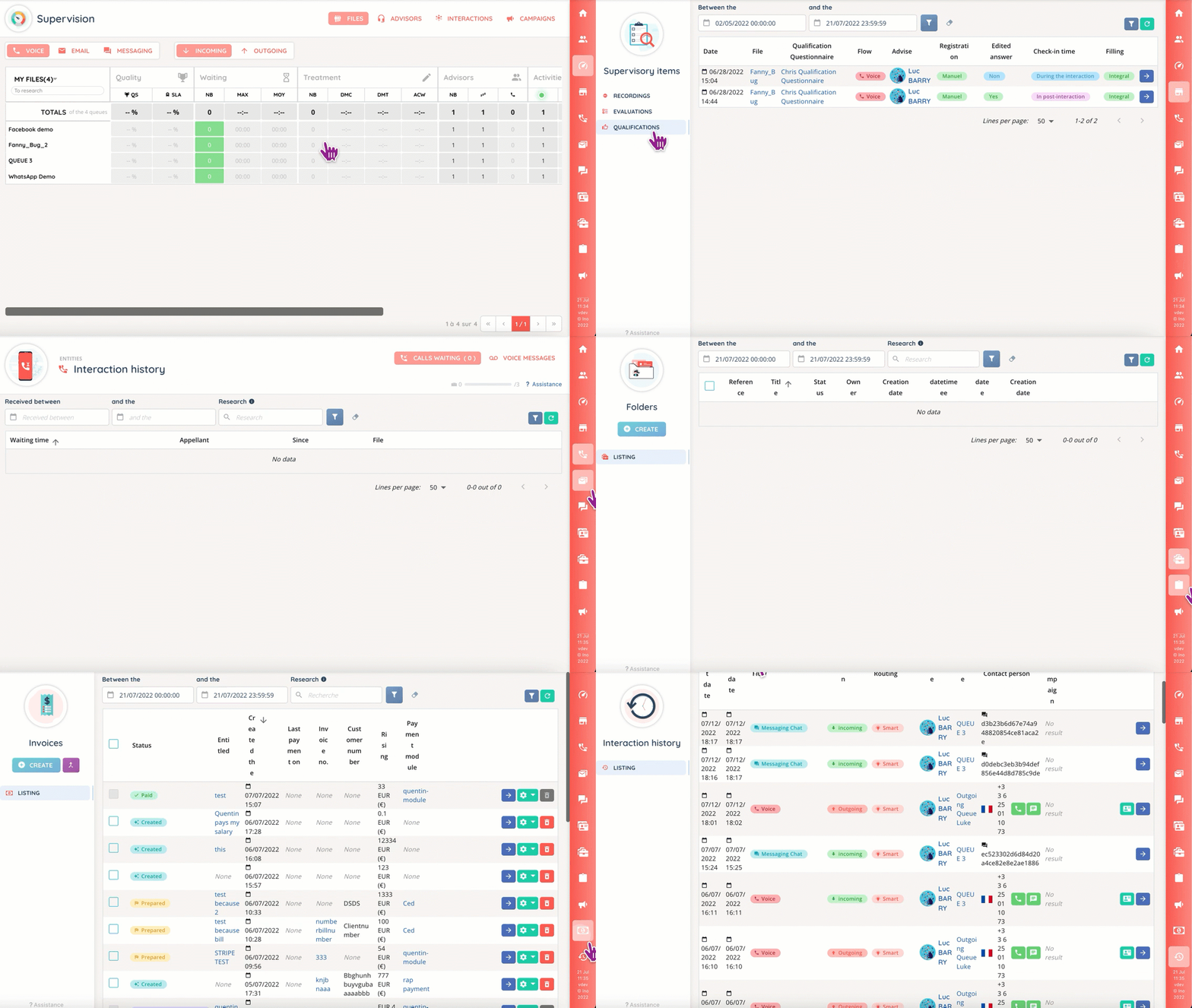
The agent’s and supervisor’s pop-up.
Here, you can:
- Make or receive internal and external calls.
- Chat with other agents.
- Use the available resources to ease the resolution of callers’ problems.
- Have a 360° view of your activities.
- Overview and manage your agents.
Maker
The laboratory for every INO service. It is structured as follows:
- Users: create users and assign them profiles, roles and teams.
- Entry points: configure (WhatsApp) phone numbers, facebook pages, mail boxes, payments and CTIs.
- Routing: voice, messaging and mail smart routings, and transfer rules.
- Media: sounds, playlists and document center.
- Campaigns: voice, mail and messaging campaigns.
- CRM: templates sheets and CRM fields.
- Files: templates, status and types to aggregate your interaction cases.
- Tasks: custom tasks (like reminders) for your agents.
- Toolbox: everything else, from calendars to mail templates.
- Data: for data bases and web services.
Modules can be accessed from the general menu or with the search bar.
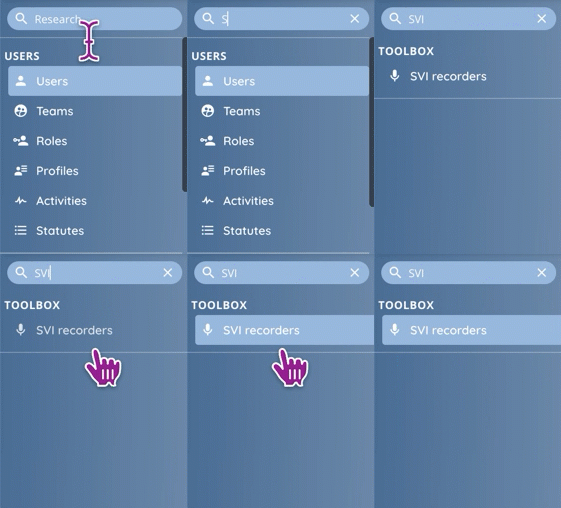
Note: some features can be found in a module’s tab, but they will not appear in the search results.
Reporter
The Reporter’s main focus is data: was you last campaign successful? When is there a peak in activity? Which service is most in demand?
You can mix and match several filters to sort out what suits your needs with scheduled reports and customized dashboards.
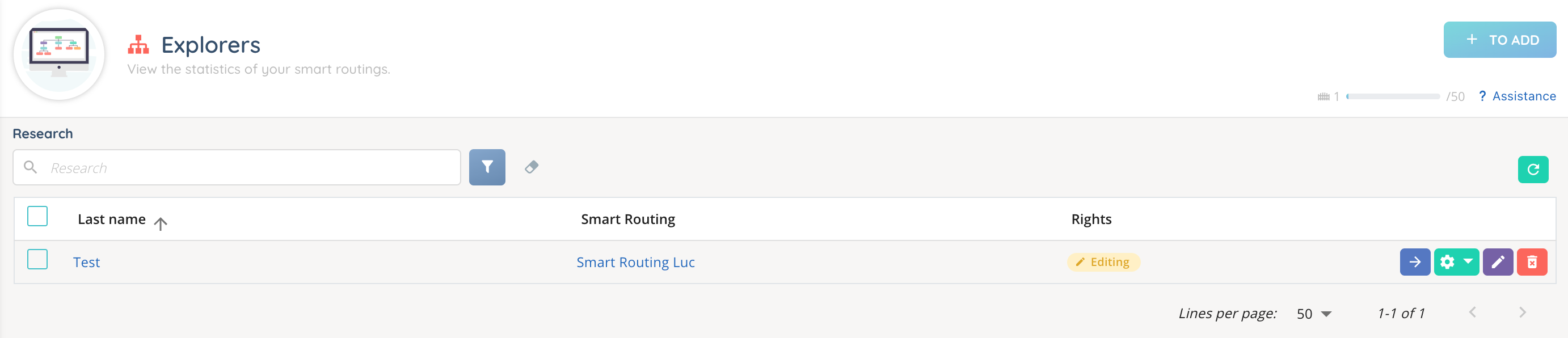
You can also export your datasets in CSV format, use hyper custom KPIs and consolidate date in real time.
Access and visibility
Each application has its own philosophy, and a different way to access its content.
- Banner: access to the different modules and interactions (making calls, accessing Supervision, etc.) is set in the profile.
- Maker: the role allows to see the applications, modules and sub-modules. It also controls access to the different buttons: create, modify, download, delete, etc.
- Reporter: here, the owner or guest status will determine whether you can view and edit an exploration, a dashboard or an explorer.