

[Reading time: 2 minutes]
Overview
The WhatsApp Campaigns feature allows you to send predefined WhatsApp messages to a list of targets.
If you need help to created and manage WhastApp campaigns in the Maker, please read the article WhatsApp campaigns – Set them up.
With smart response routing configured in Maker, any response to a campaign message will result in a standard WhatsApp messaging interaction.
Reminder: to let an agent switch a campaign ON/OFF in the Banner, make sure the “Manage campaign” permission is set to Yes for their active profile.
If not, the ON/OFF status can only be modified from the Maker in the WhatsApp campaigns module, and the toggle will appear greyed out in the Banner (not editable).
I – Accessing WhatsApp campaigns in the Banner
In the Banner, in the WhatsApp campaigns module, two tabs are available:
- My WhatsApp campaigns
- WhatsApp targets
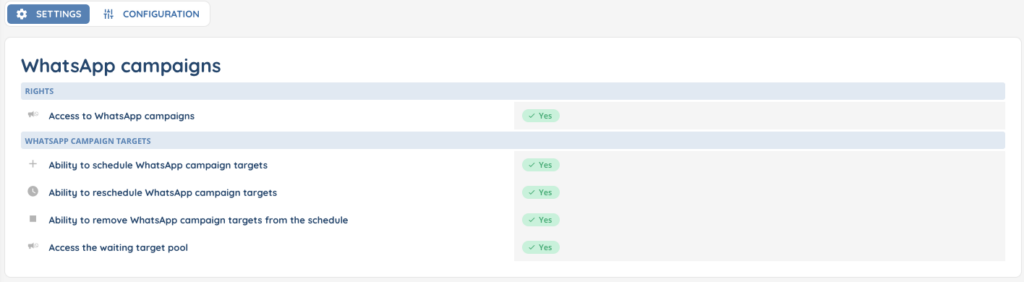
Like all the other modules of the Banner, access to the WhatsApp campaigns module is conditioned by the rights set up in your profile.
II – My WhatsApp campaigns
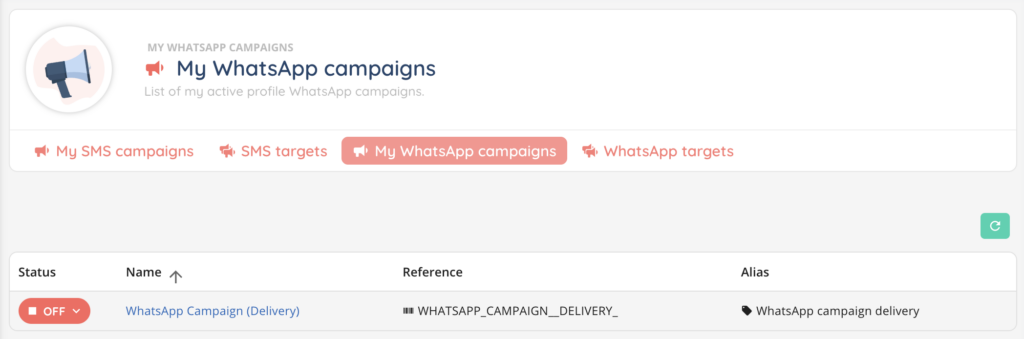
This tab lists all WhatsApp campaigns available for the agent. The campaigns that are displayed depend on the user’s active profile. Don’t forget to add your campaigns in the “Configuration” profile tab.
Columns:
- Status – ON/OFF
- Name – clickable link to the campaign in the Maker (if the user has access rights)
- Reference
- Alias
III – WhatsApp targets
This tab lists pending targets only. Once a target is processed, it no longer appears here.
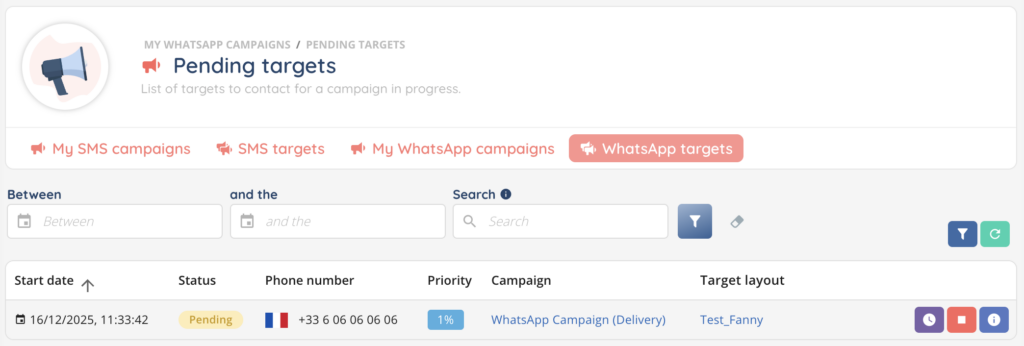
A search bar allows you to search among targets.
Two date fields are available to filter results over a rolling three-month period.
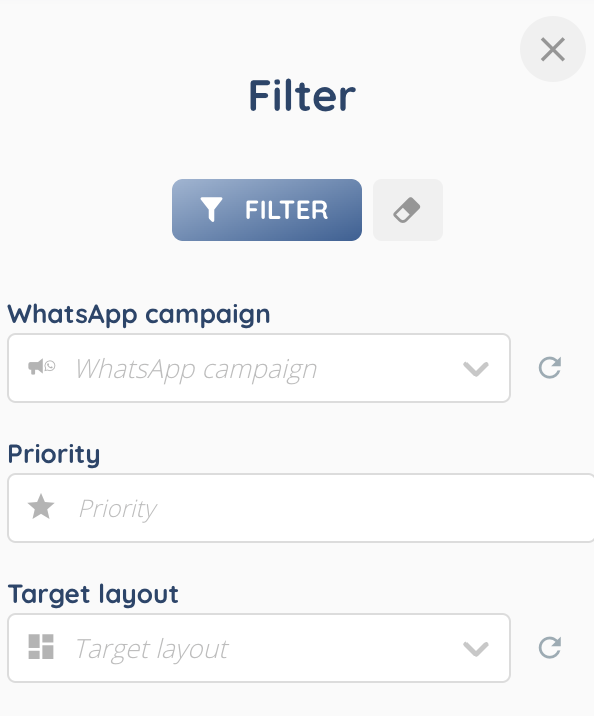
A filter button on the right also allows filtering by:
- WhatsApp campaign
- Priority
- Target layout
Columns:
- Start date – date and time
- Status – pending
- Phone number
- Priority – percentage
- Campaign – clickable link to the campaign in the Maker
- Target layout – clickable link to the layout in the Maker
At the end of each row, three action buttons are available:
- Edit target
- Remove target
- View target information
The data can then be analyzed in Reporter!