
[Reading time: 3 minutes]
Overview
The Small Banner is a compact panel that gives agents quick access to their main personal workspaces and actions. It allows you to monitor ongoing interactions, open new ones, and switch between key views without interrupting your workflow.
The content and behavior of the small banner depend on user preferences and permissions configured in the Maker.
1. Rights and settings
Each user can customize how the small banner behaves from Maker > User capsule > My account, under Preferences.
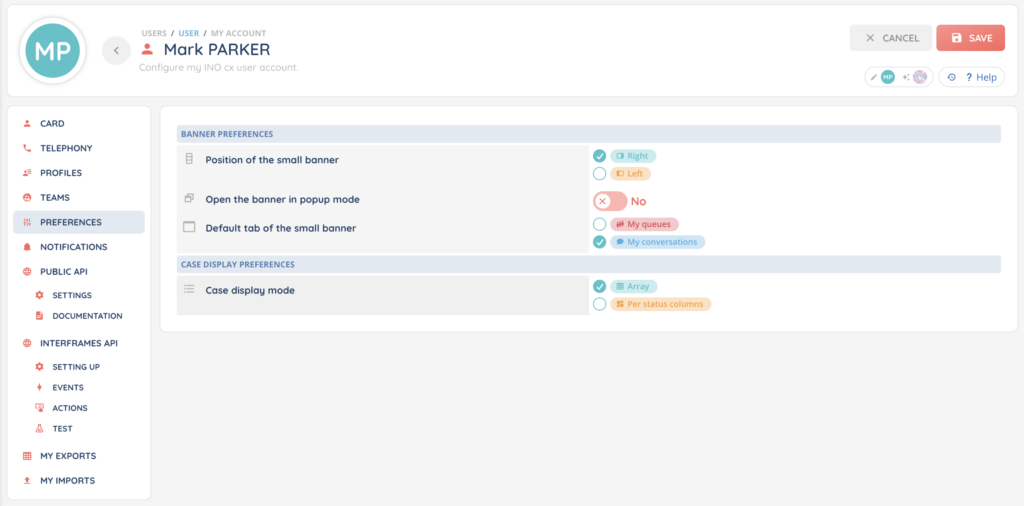
The following settings are available:
You can choose whether the small banner is displayed on the right or left side of the interface.
You can enable or disable popup mode. When popup mode is enabled, the small banner opens as an overlay instead of being fixed in the interface.
You can define which tab opens by default when the small banner is displayed. The available options are:
- My queues
- My conversations
These preferences are applied at user level and do not impact other agents.
The tabs displayed in the small banner depend on the rights assigned to the user in the Maker.
If a user does not have access to a feature, the corresponding tab will not appear in the small banner.
2. Digital pad and interaction in progress
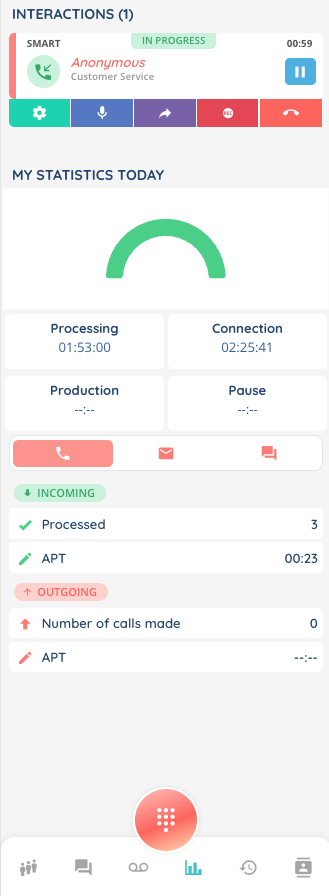
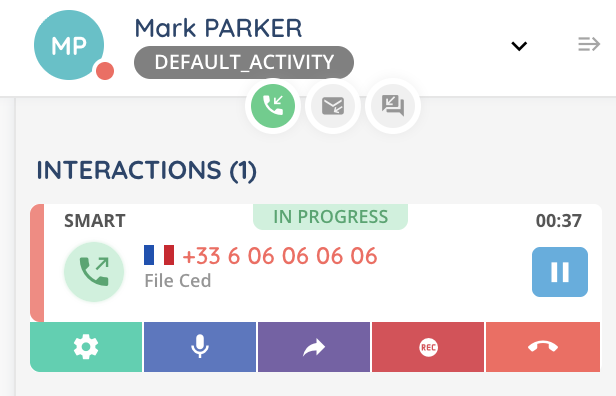
When an interaction is in progress, it is displayed at the top of every small banner tab. This persistent display allows you to quickly return to your active interaction, regardless of the tab you are currently viewing.
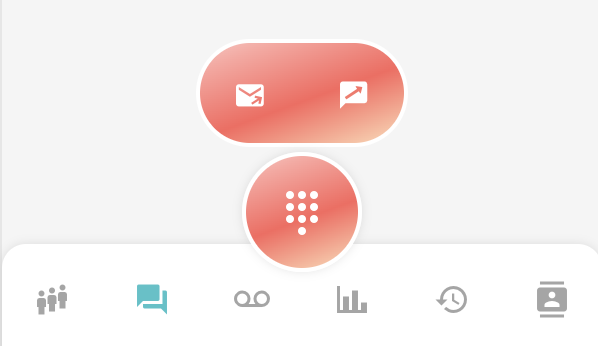
The digital pad is accessible from the small banner and allows you to manually create new interactions. It can be used in addition to all other small banner tabs to start new interactions, depending on your configuration.
3. Small Banner tabs
3.1. My queues
This tab displays the queues and voice campaigns associated with your profile and lets you monitor incoming interactions.
You can use the “hand” button to automatically handle the next interaction. You can also use the search function to sort your queues.
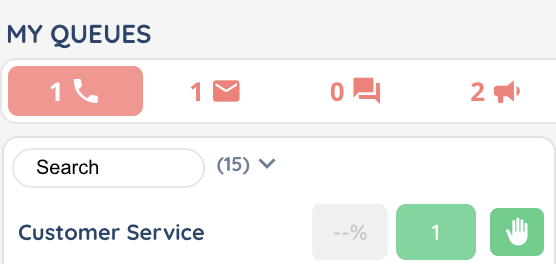
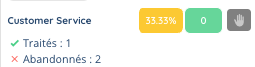
For each queue, a colored indicator shows the QS in %. The color displayed depends on the queue settings in the Maker.
3.2. Conversations
The conversations tab lists your conversations (direct and groups). You can open a conversation to continue the exchange and manage it. You can also launch video conferences.
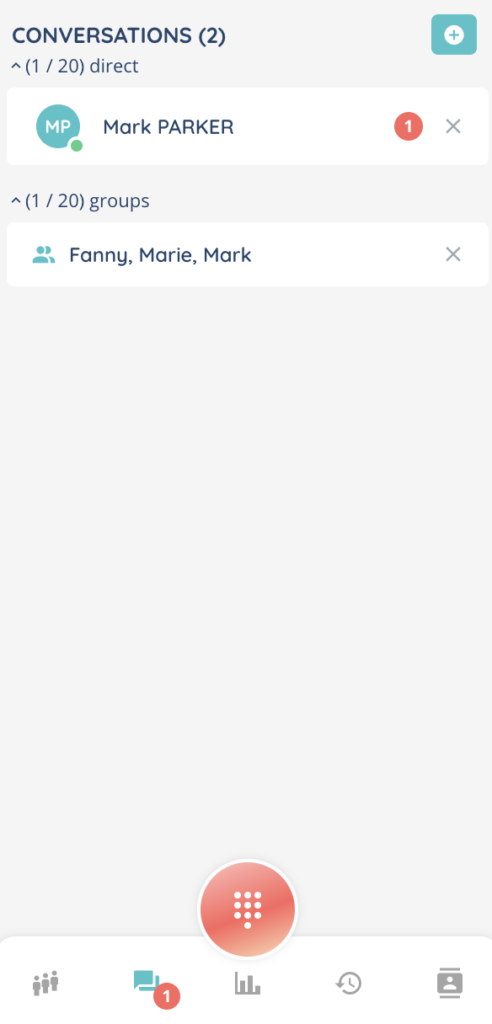
For more details, see Conversations small banner.
3.3. My voicemails
The my voicemails tab shows all voicemails addressed to you. You can listen to messages, delete them, or call back directly.
For more details, see My voicemails small banner.
3.4. My statistics today
The my statistics today tab provides a real-time overview of your activity and key metrics for the current day.
For more details, see My statistics today small banner.
3.5. My interactions
The my interactions tab lists your interactions across channels, such as calls, emails, or messaging.
For more details, see My interactions small banner.
3.6. Directory
The directory tab gives access to the internal directory to search for contacts and colleagues. It is possible to make a call or send an SMS directly from a contact.